
Give players something to achieve
Protect, escort, capture, escape, hold, destroy or recover. Start with an objective and clear victory and failure conditions instead of treating every encounter as a fight to the last opponent.
Give the battlefield a purpose
Prepare tactical zones, useful routes, hazards and goals that can end an encounter without defeating every foe. Build the structure around your next tabletop session.

More than a place to roll initiative
A fight becomes more interesting when the ground matters and the sides want something. Prepare the space, the pressure and the conditions that tell you when it is over.
Protect, escort, capture, escape, hold, destroy or recover. Start with an objective and clear victory and failure conditions instead of treating every encounter as a fight to the last opponent.
Prepare approaches, contested ground, flanks and withdrawal routes. Cover, difficult terrain, elevation and choke-point notes give you a starting structure to adapt to your map and rules.
Hazards include warnings and counters. Interactive and destructible features suggest ways to change a position, open a route or respond to danger, rather than only absorb damage.
The output is a tactical framework, not a graphical map or a rules simulation. Review the descriptions, translate them into your chosen tabletop rules and use your own judgement at the table.
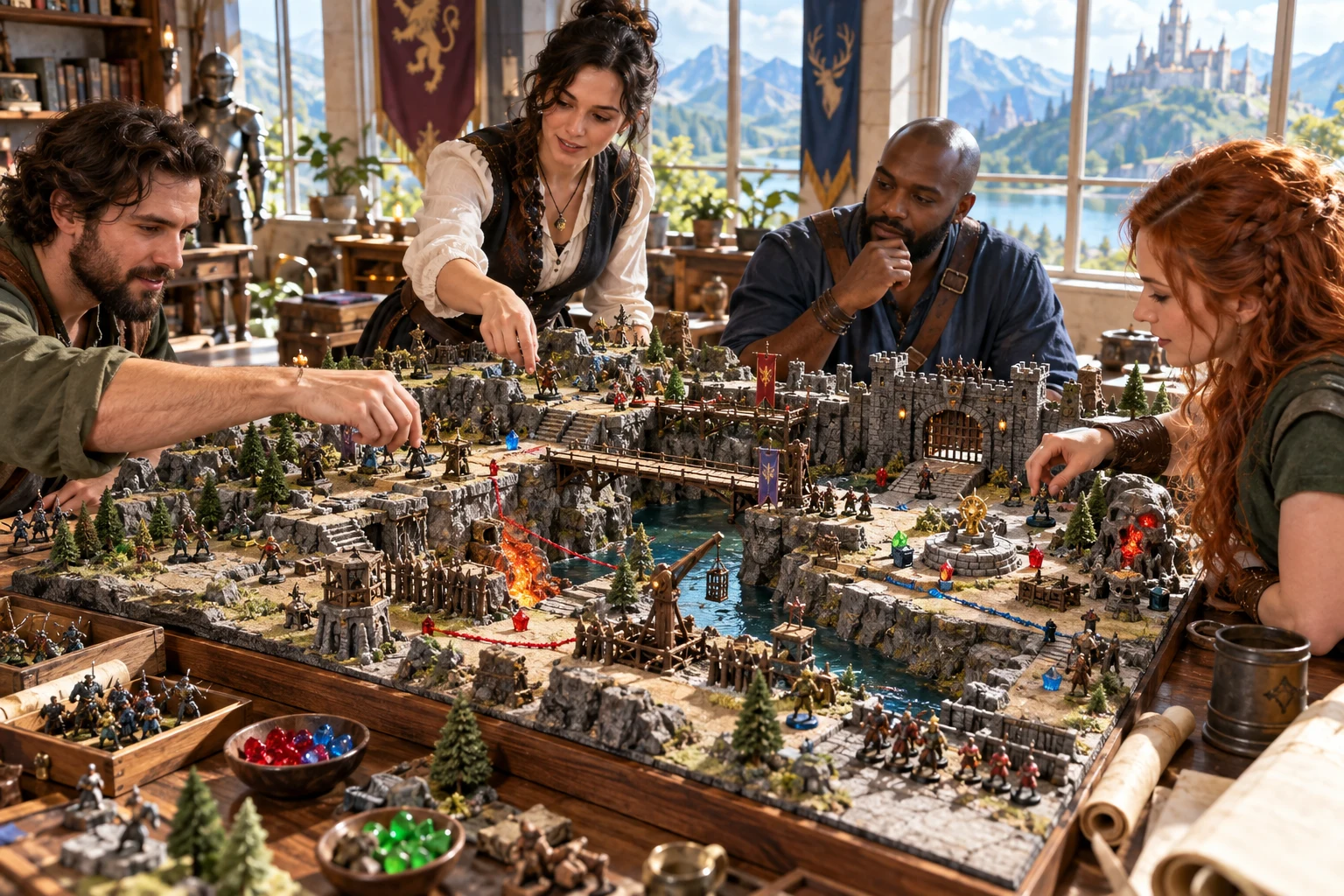
Every zone has a job
Prepare routes, positions and objectives together. Make a contested centre, flank or withdrawal route useful to the encounter.
Use the descriptions with your chosen map and rules. The generator prepares structure, not graphical map output.
A clear preparation journey
Go from a situation to structured tactical material, with the important controls visible and built-in help alongside the work.
Quick mode exposes environment, battlefield size, primary objective and seed. Ruins, forest, streets, caverns, marsh, ship or docks, temple and frozen pass provide starting contexts.
Use Deep to set visibility, cover, elevation, terrain and mobility. Add timing, sides, reinforcement entries and weather notes when they matter to your situation.
Read the zone descriptions, hazards, interactive features and entry notes. Check the primary objective, secondary goals, alternate victories and the condition that ends the encounter.
Keep useful zones, reroll another or edit the structured JSON. Validate and save, then review the player-known brief before sharing it. Optional Combat PRO preparation is a separate step.
What comes together
Connect positions, pressure and goals in one prepared structure. Each section gives you material to adapt, not a promise of automatic rules execution.
Create three, five, six or eight zones according to battlefield size. Review approaches, a contested centre, flanks and withdrawal routes through structured names, descriptions and terrain notes.
Prepare a primary goal, victory, failure and a clear ending condition. Secondary goals and alternate victories support encounters that do not require defeating every opponent.
Set elevation, visibility, cover, difficult terrain, choke points and mobility as preparation context. Use the resulting descriptions and tags with your chosen map and tabletop rules.
Review zone-linked hazards with a visible warning, an effect description and possible counters. These are tactical preparation notes, not automatic movement or damage calculations.
Prepare ideas for movable barriers, control points and fragile supports, alongside entry, exit and reinforcement notes. Adapt these starting ideas into specific rules for your table.
Share the player-known summary, zone descriptions and visible objective without the DM-only secrets and hazard counters. Review manual edits before copying or printing a player brief.
Lock useful zones and reroll another, edit structured JSON, then validate and save. Search your account library, duplicate a battlefield and reopen prior saved versions.
Send the Encounter Brief, zones, objectives, inactive hazard rules and prepared triggers with appropriate access. No graphical map, opponent stat blocks or live combat state are transferred.
Start simply. Add detail deliberately.
Choose the depth that fits your preparation. The controls set descriptive structure and context; they do not simulate movement, distances or damage.
Choose environment, battlefield size, objective and seed. The size gives three zones for Tight, five for Standard, six for Large or eight for Sprawling.
Set indoor or outdoor context, elevation, visibility, cover, difficult terrain, hazards, interactive terrain, destructibility, choke points and mobility. Review the resulting descriptions and tags.
Prepare two to four sides, reinforcement-entry notes, weather influence and timed or untimed objectives. The generated timed goal uses round six as its deadline; edit the structure when your scenario needs another condition.
Defensive prepares protection, cover and restricted movement. Ambush emphasises escape and obscured sightlines. Siege starts with a sprawling space, destruction, elevation and three sides. Adjust the preset before generating.
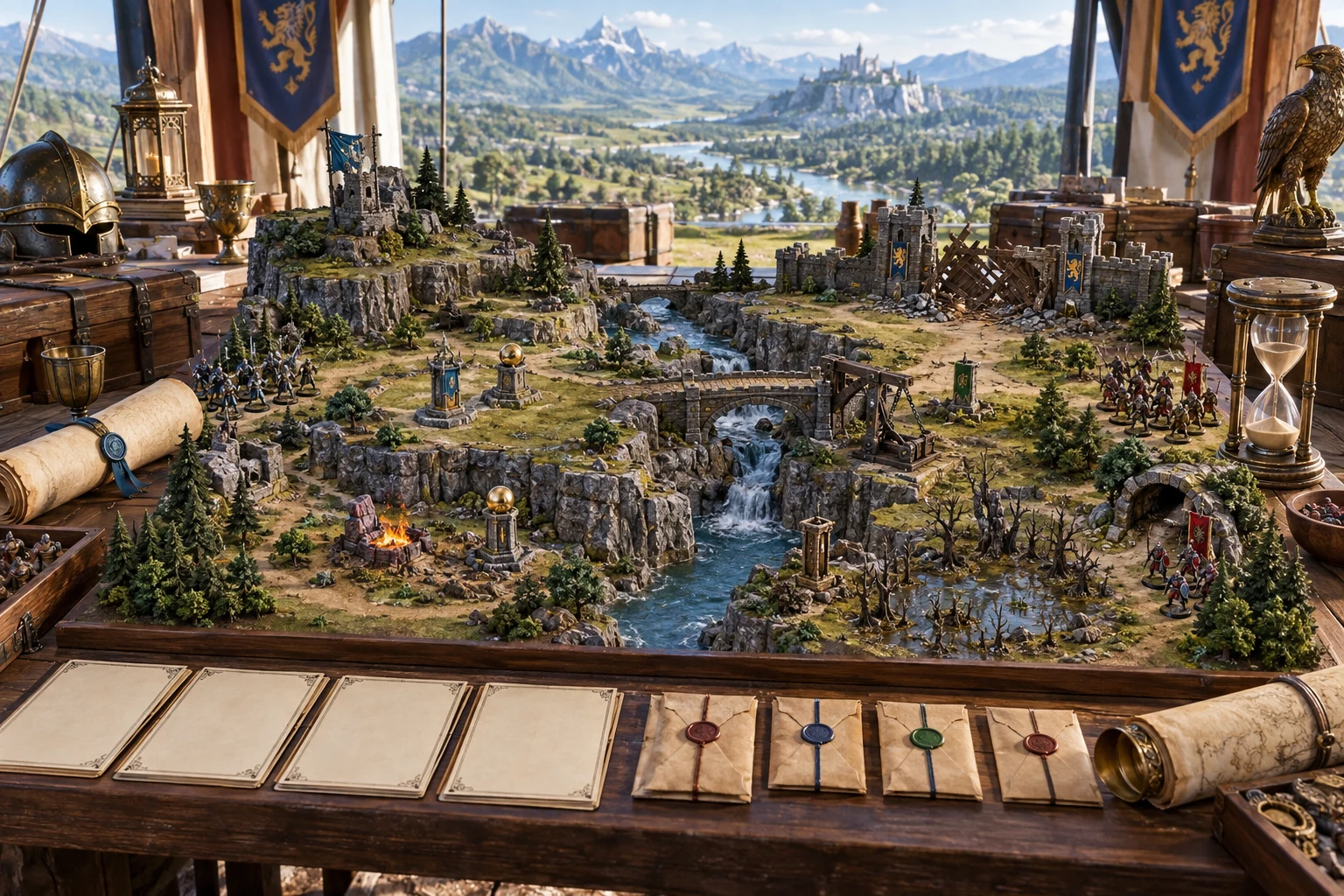
Know how the encounter ends
Review victory, failure and a clear ending condition, alongside secondary goals and alternate routes to success.
Give players a purpose to act on. Adapt the prepared conditions to your scenario and chosen rules.
Keep the useful preparation
Make revisions deliberately and build a reusable collection in your account. Review surrounding context when you change the structure.
Choose an unlocked zone to reroll. The other zone records stay locked. Keep battlefield size consistent so their IDs remain present, and review top-level objectives and summaries after generation.
Edit battlefield, objectives, tactical notes, player-known information and DM secrets as structured JSON. Apply valid structure, then validate and save. This is not a drag-and-drop map editor.
Save validated battlefields, search by name and reopen a design. Duplicate a saved battlefield when you want a separate variation instead of replacing your original account record.
Major saves retain prior versions you can reopen from the library. Your account session and required generator access support these saves; keep your own structured export when you need a portable copy.
Preparation and play stay distinct
Use the right view and export for the job, then review the preparation before it reaches your table or a connected product.
Generated player-known information excludes DM-only secrets and hazard counters. Manual JSON edits do not automatically update every view. Review the player brief after changes, and keep secrets out of its text.
Copy the player brief or full structure and download structured JSON. Switch to Player view before using Print player brief, which uses your system print dialog. A formatted PDF publishing workflow is not promised.
With appropriate access, send zones, objectives, an Encounter Brief, inactive hazard rules and configured triggers. Timed preparation can include a pending round-six deadline. Review the import before starting live play.
The handoff does not supply opponent stat blocks or transfer hit points, initiative, turns, targets or active effects. Combat PRO owns live execution; this generator supplies prepared structure.
Choose access for your toolkit
Battlefield & Objective Generator is a paid standalone tool, not an image-credit plan. Create a free account first, then review your selection and subscription.
Select Battlefield & Objective Generator as your individual generator. A free account alone does not include paid access.
Use a five-generator pack when you need other eligible standalone tools. The pack buys selection capacity, not image credits or automatic access to every VISINVOKE product.
Review larger selected-generator packs in your account. Choose the capacity and actual generators you need, then check subscription and reselection terms.
Combat PRO, Battlemaps and image systems have their own access models. A standalone generator subscription does not automatically include those products or image and animation credits.

Keep zone descriptions, objectives, hazards, counters and briefing material together rather than rebuilding the encounter from disconnected notes.
Save your reviewed battlefields, duplicate them for another situation and return to prior versions. Keep portable structured exports as your preparation library grows.
Start Here and How Do I guidance explain creation, presets, zone changes, player details, saving and optional Combat PRO handoff. Learn the workflow while using it.
Adapt the framework to your players, map and rules. The generator organises material; it does not claim to replace the game master or guarantee every tactical outcome.
Build your tabletop toolkit
Each card opens that product’s own website. Review purpose and access separately; related products do not promise included access or automatic synchronisation.

Discover and open your supported Windows products through one connected VISINVOKE account.

Explore environment packs for tactical locations and the places your encounters unfold.
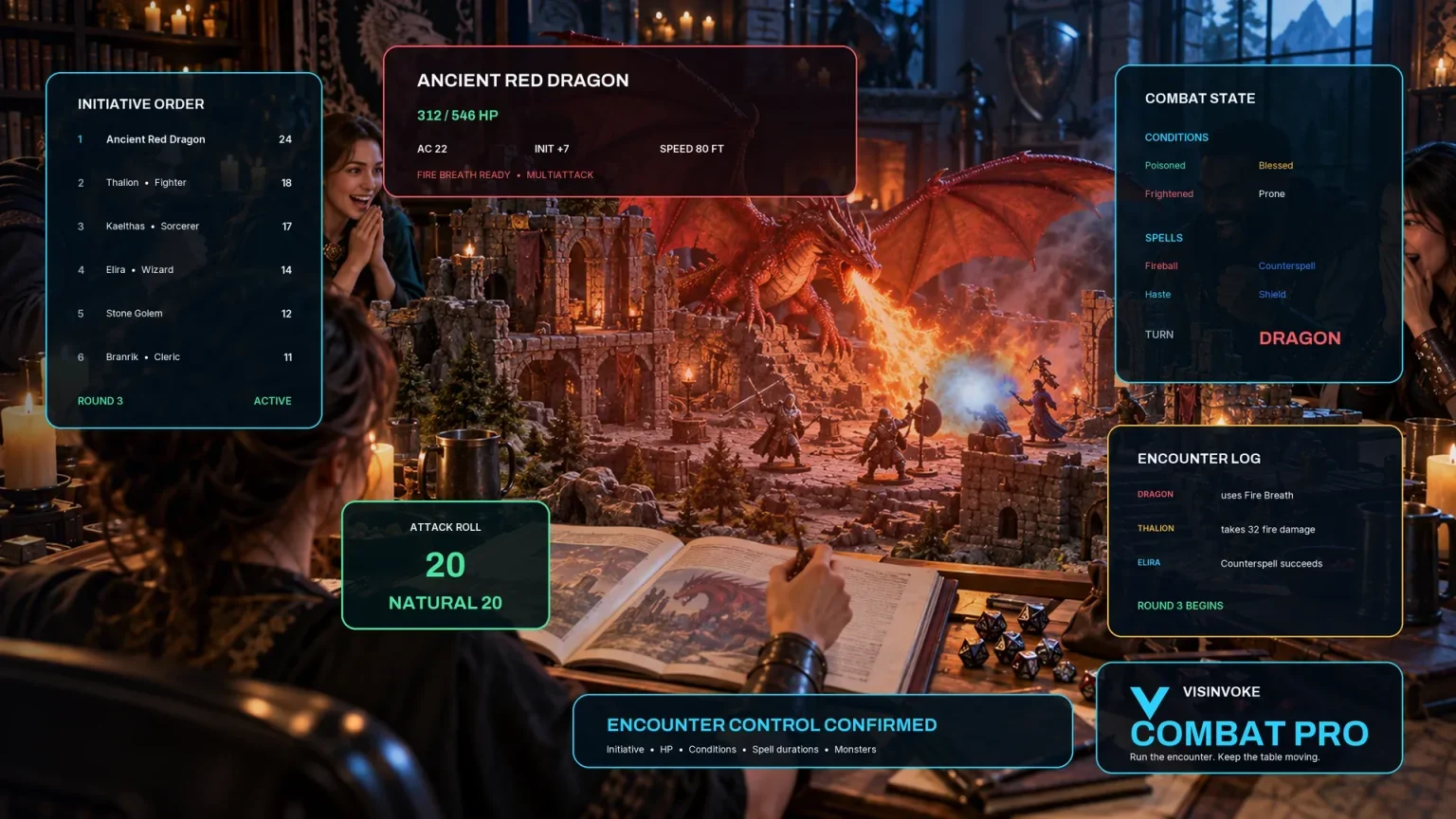
Review prepared opposition, tune creature statistics and run tabletop encounters with its own access.

Create focused character, monster, item and location images to complement your tabletop preparation.

Create guided commercial visuals for websites, brochures and wider creative projects.

Explore a separate futuristic RPG experience with its own world, characters and progression.
Product artwork illustrates tactical preparation, not application screens or generated graphical map output.
Quick answers
Understand the structure and its boundaries before opening the generator.
No. Battlefield & Objective Generator creates structured tactical preparation: zones, routes, terrain notes, hazards, objectives and briefings. Use a separate map or environment product when you need a graphical map. The artwork on this website illustrates the planning purpose, not generated map output.
Quick exposes environment, battlefield size, primary objective and seed. Deep adds indoor or outdoor context, elevation, visibility, cover, difficult terrain, hazards, interactive terrain, destructibility, choke points, mobility, timing, sides, reinforcements and weather notes. Defensive, Ambush and Siege presets prepare useful starting settings.
Yes. A selected-zone reroll locks the other zone records. Keep battlefield size consistent so their zone IDs remain present. This protects those records, not a promise that every top-level objective or summary stays unchanged. You can also edit the structured battlefield JSON and validate before saving.
Save validated battlefields to your account, search by name, duplicate a design and reopen prior saved versions. Copy the player brief or full structure, download structured JSON, or switch to Player view before using Print player brief. Review manual edits to keep secrets out of public text.
Prepared zones, the Encounter Brief, objectives, inactive hazard rules and configured triggers. A timed objective can include a pending round-six deadline. Review the imported preparation in Combat PRO; that product owns execution, hit points, initiative, turns, targets and effects. This handoff includes no graphical map or opponent stat blocks.
Create a free VISINVOKE account first. The generator is US$1.99 per month as one selected standalone generator, or can occupy a selected slot in an eligible generator pack. A free account alone does not include paid access. Get Desktop Command Centre from your account installer page and open the generator on Windows with the required entitlement.
Continue in VISINVOKE
Create a free VISINVOKE account first and choose the required generator access.
Get Desktop Command Centre from your account installer page. Sign in on Windows, then open Battlefield & Objective Generator.